Buyer Proof Checklist for Faster Campaign Approval
Use this checklist to submit cleaner campaign proof and avoid delays when a seller reviews your order.
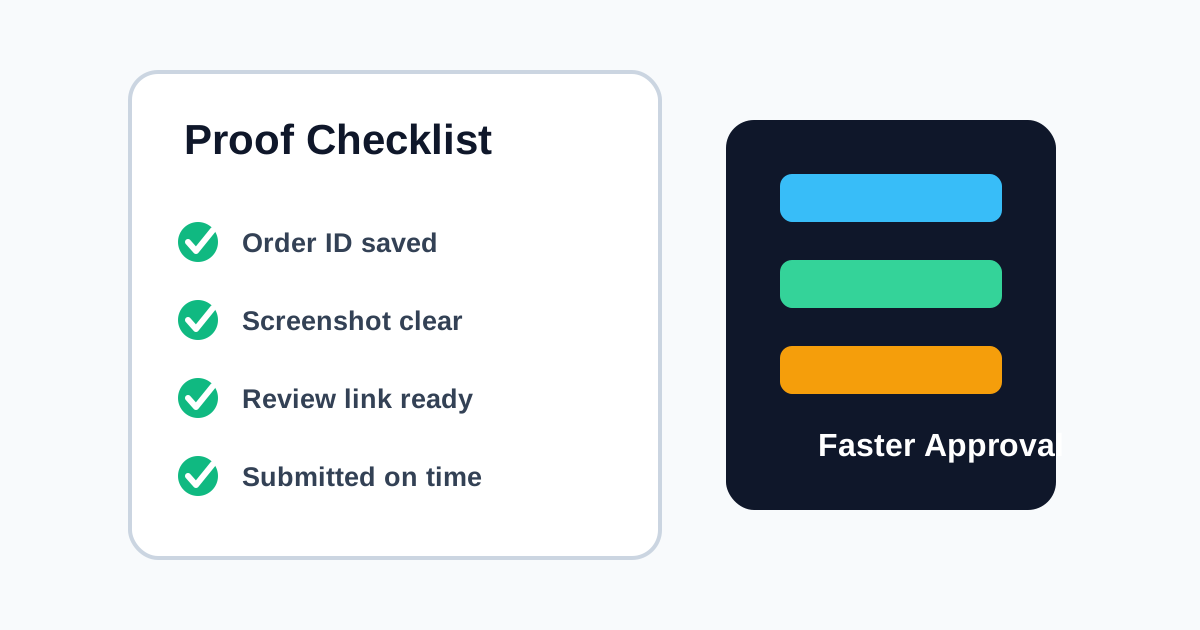
Submitting clear proof is the easiest way to avoid review delays. Sellers need enough information to verify your campaign task, and support teams need a clean record if anything needs review.
Check the Campaign Instructions First
Before placing an order, read the campaign instructions from top to bottom. Make sure the product, order timing, and proof requirements match what you plan to submit.
Save the Right Evidence
Most campaigns need proof that the order belongs to you and matches the approved task.
- Keep your order ID available.
- Save delivery or order screenshots when required.
- Copy the review link if the campaign asks for one.
- Submit proof before the campaign deadline.
Keep Screenshots Clear
Screenshots should show the required details without exposing private information. Crop away unrelated account details, but keep the proof readable.
Avoid Common Delays
Many delays happen because proof is incomplete or submitted in the wrong place. Double-check the campaign page before submitting, and do not send duplicate proofs unless support asks for them.
What Not to Share
Do not upload passwords, private payment details, full card numbers, or unrelated personal documents. Campaign verification should never require sensitive account access.
Clear proof helps everyone move faster. When your submission matches the instructions, sellers can approve confidently and your campaign path stays predictable.
Ready to run a clearer campaign?
Use PromotInsight to manage promotion applications, buyer proof, seller review, and cashback status in one workflow.
Create an accountRelated articles
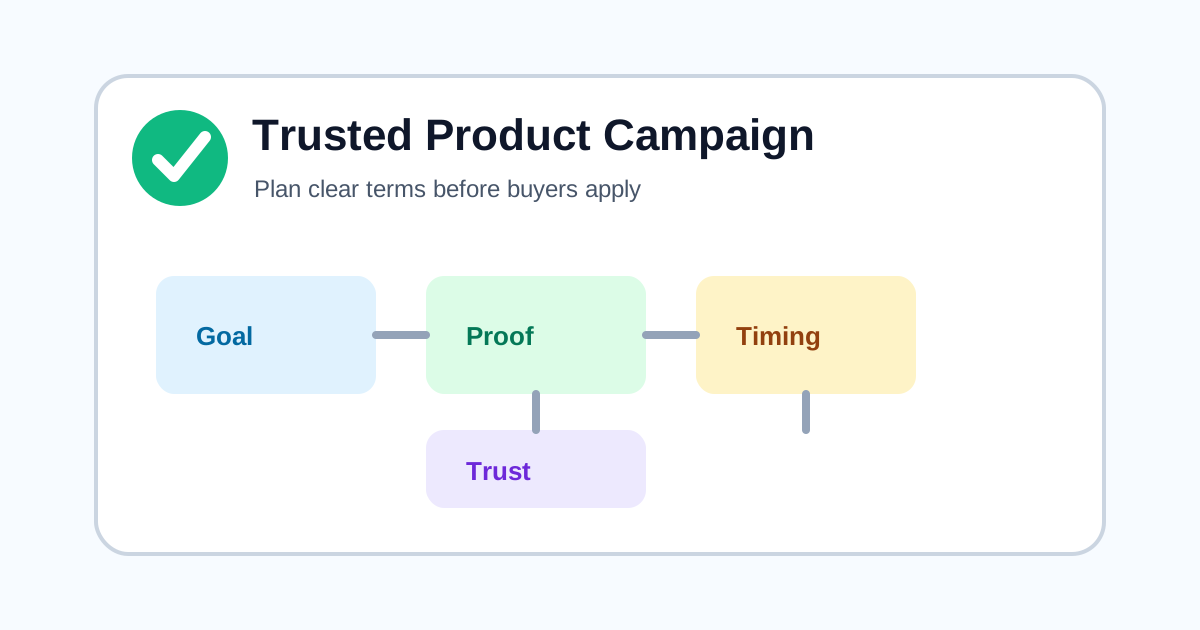
How to Plan a Product Campaign That Buyers Trust
A practical checklist for setting campaign terms, refund timing, proof requirements, and buyer expectations before launch.